Managing Settings
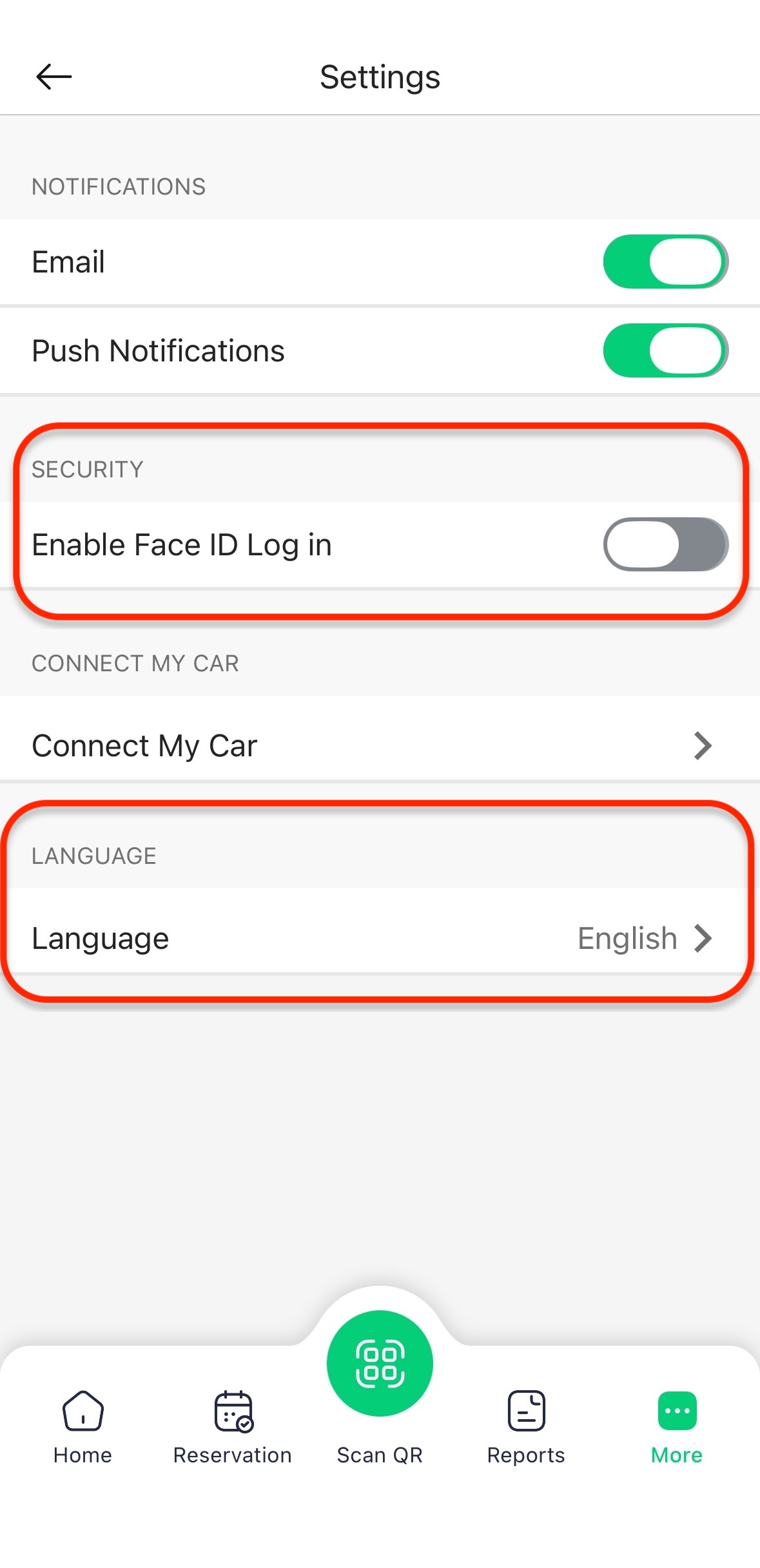
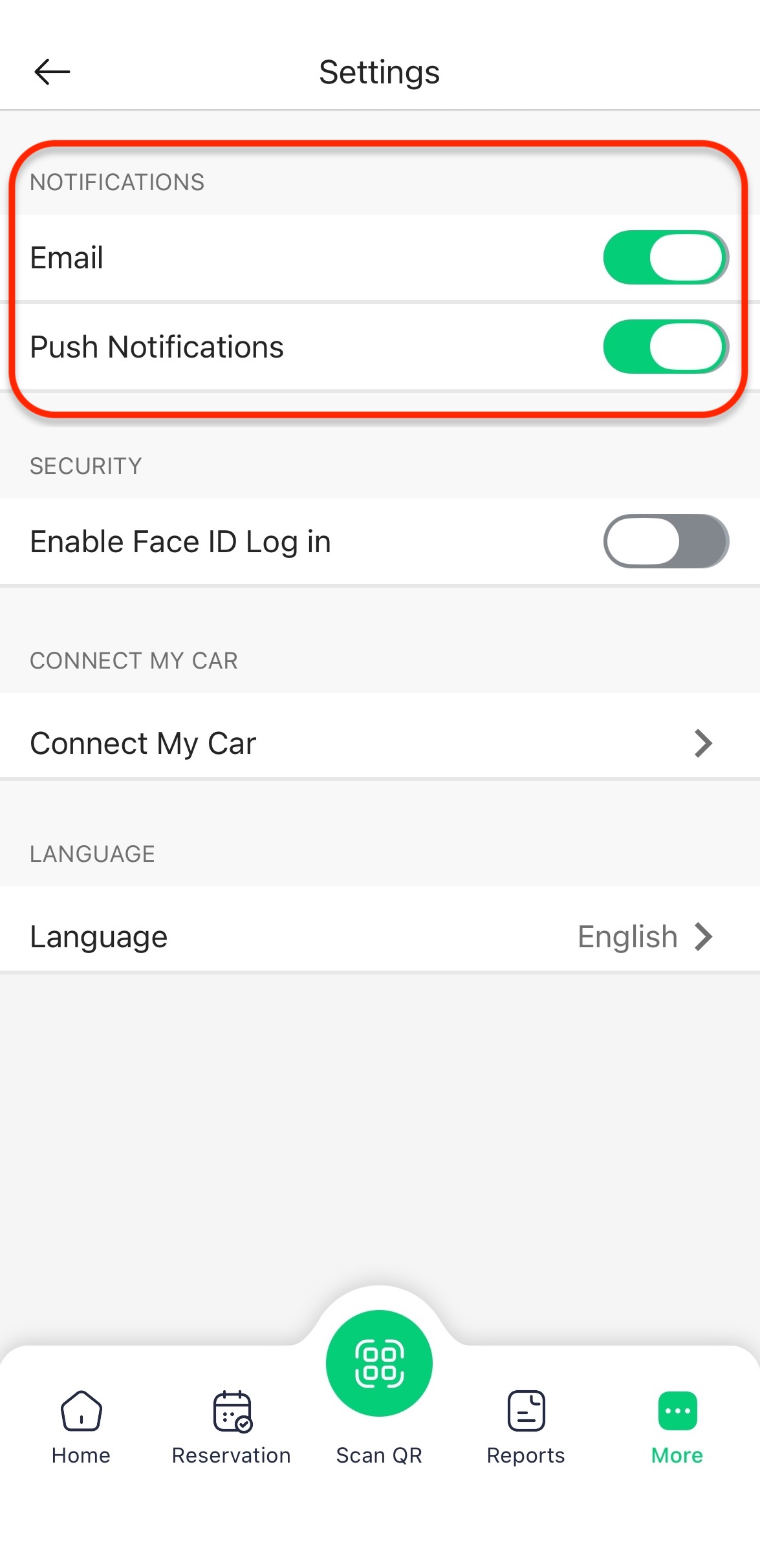
The Settings screen allows you to manage your vehicle connectivity, notification preferences, security login, and app language.
How to Access Settings
-
Sign in to your HIEV Canada account.
-
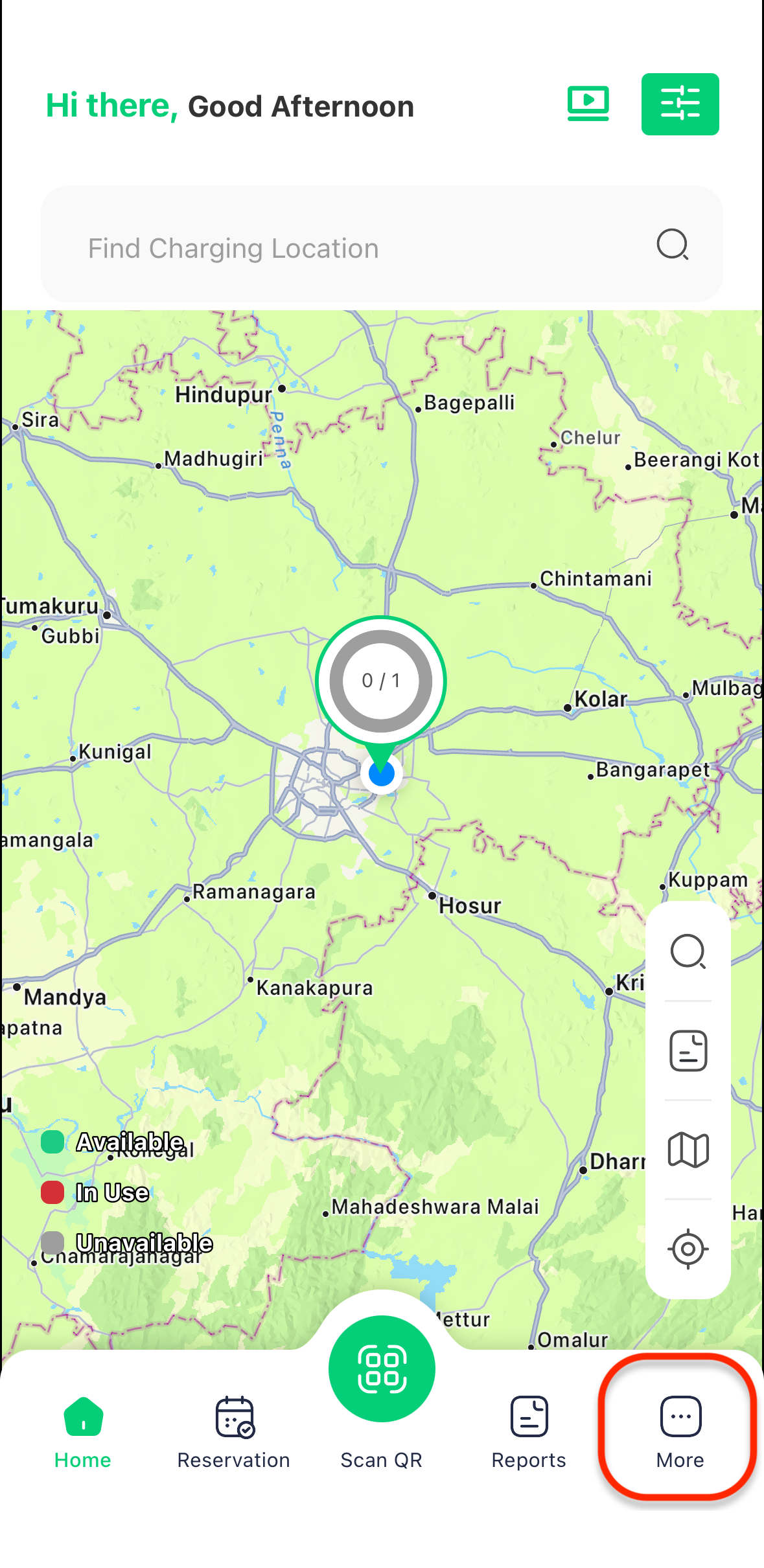
Tap on the More icon in the bottom menu.
-
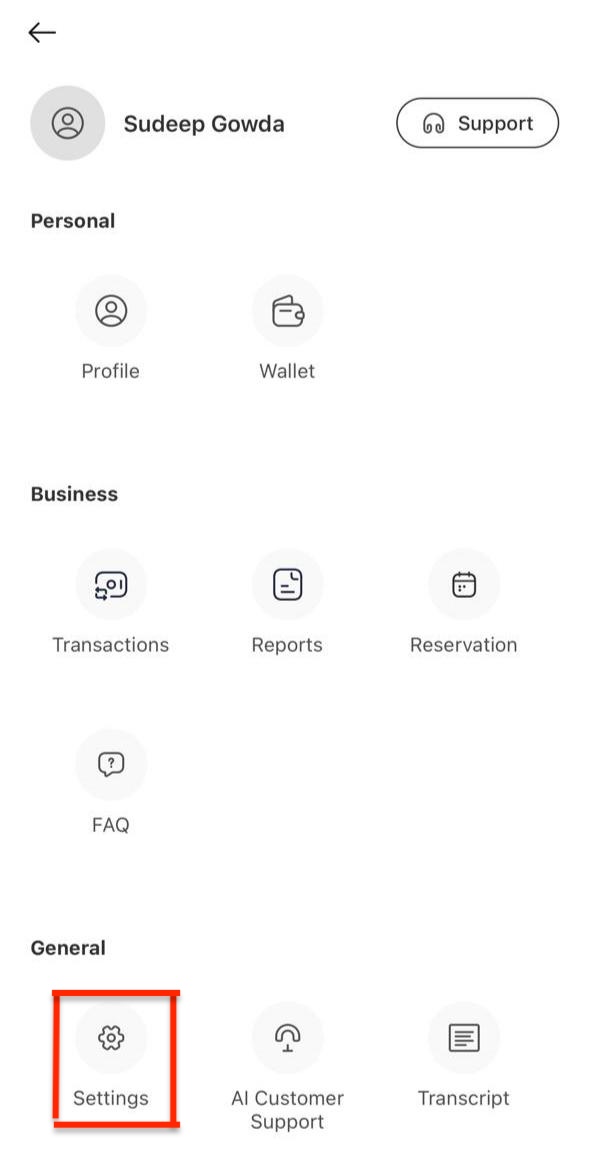
Tap on Settings from the menu options.
Configuring Settings Options
On the Settings screen, you can manage the following options:
-
Vehicles Settings
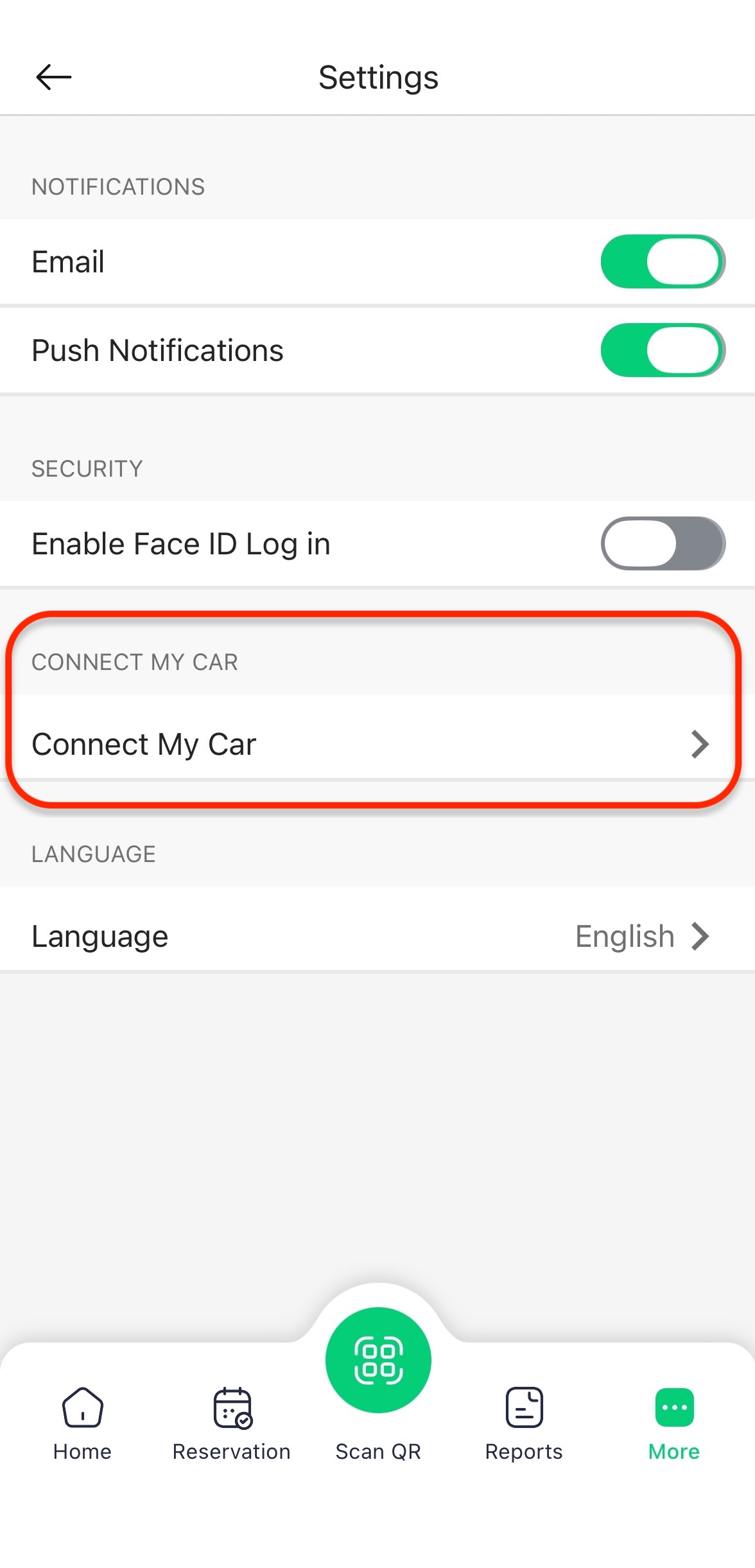
- Connect My Car: Tap to link and configure your electric vehicle with the app.
-
Notifications
- Email: Use the toggle switch to enable or disable email notifications.
- SMS: Use the toggle switch to enable or disable SMS notifications.
-
Security & Preferences
- Face ID Login: Use the toggle switch to enable or disable Face ID Login.
- App Language: Tap on App Language to change your preferred application language (e.g., English).