Downloading App
-
To download the HIEV Canada mobile app for your Android device, scan the Google Play Store QR code below using your phone:

-
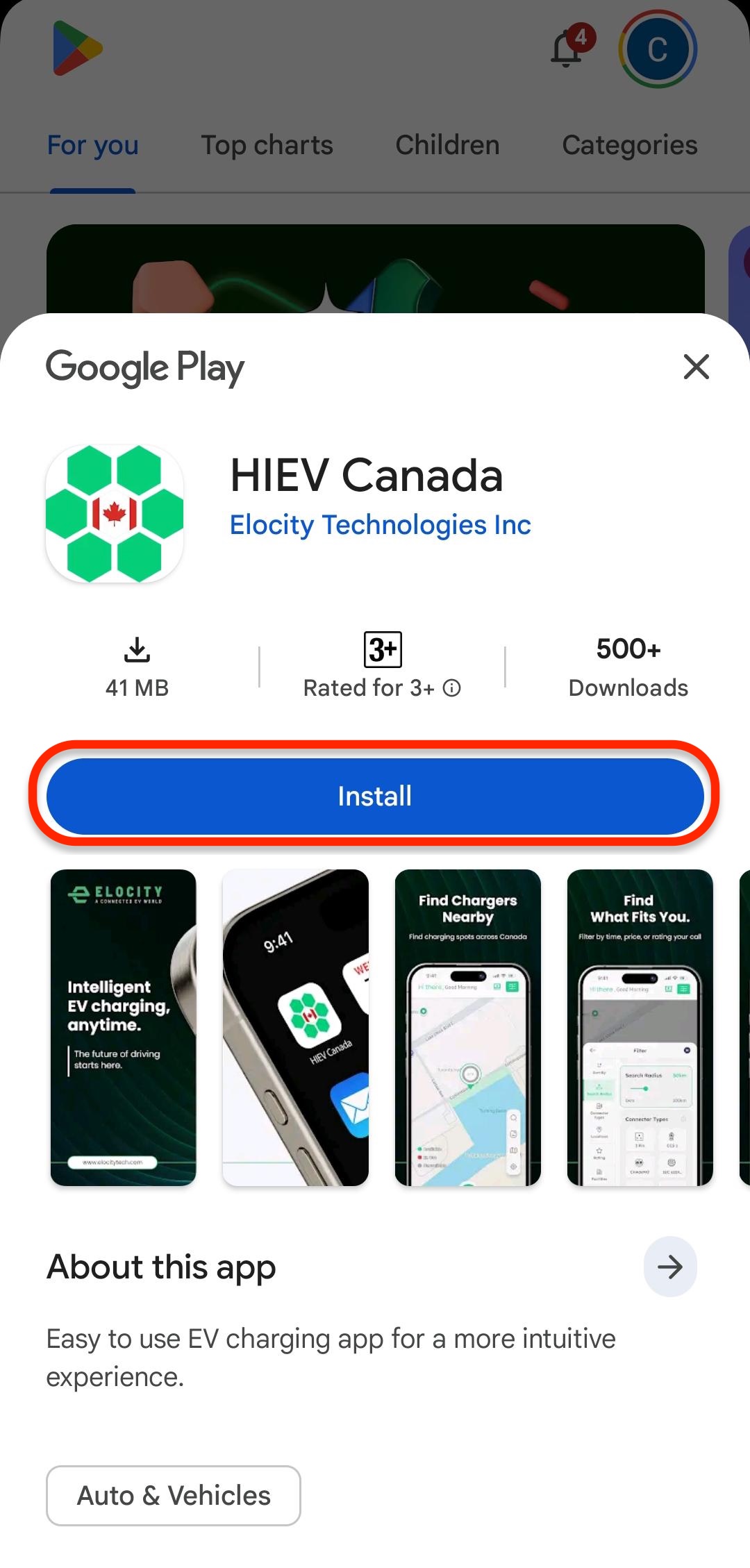
After scanning the QR code, you will be redirected to the HIEV Canada app page on the Google Play Store. Tap Install to download the application to your device.
-
Alternatively, follow these steps to download and install the app manually:
-
Open the Google Play Store on your Android device.
-
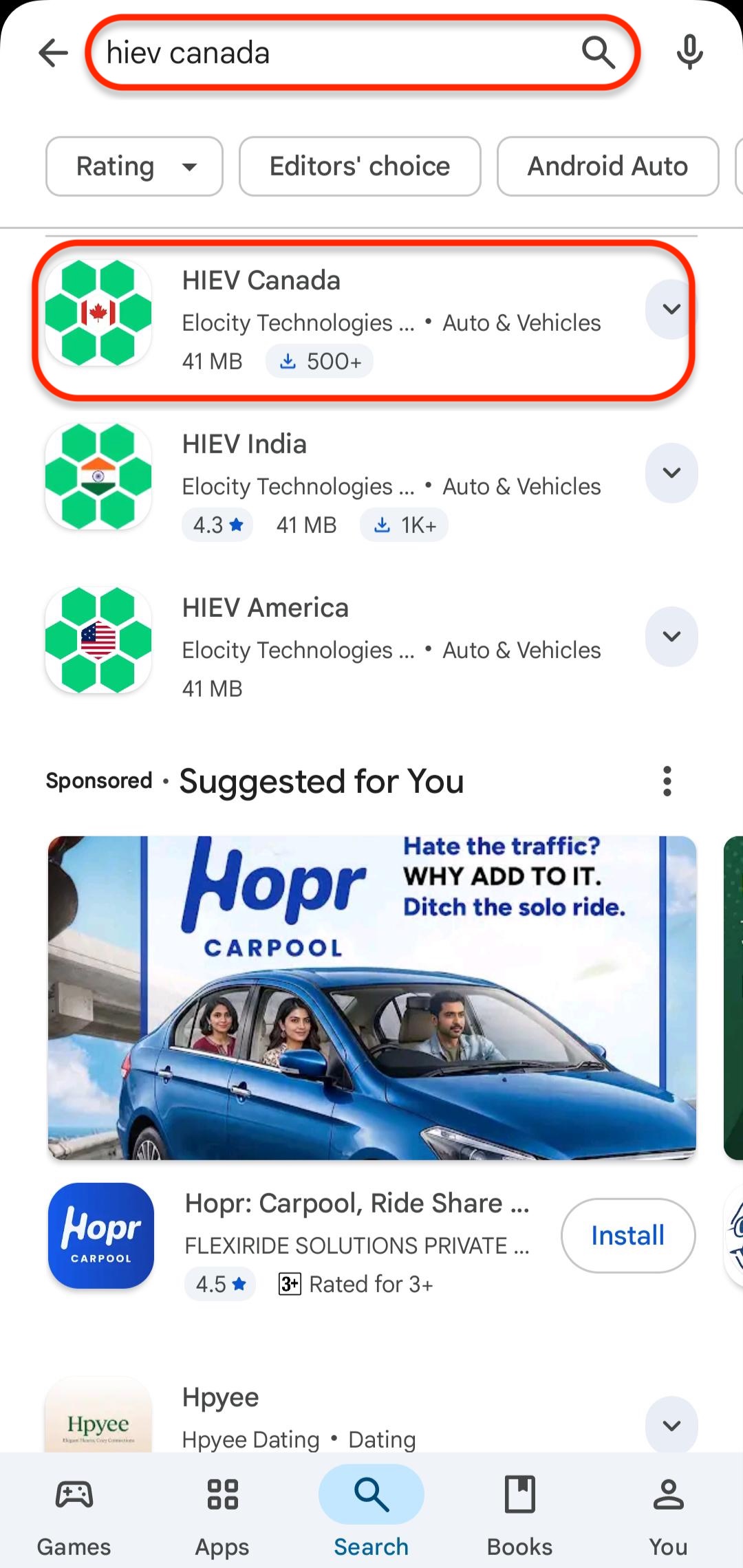
Tap the Search bar and type HIEV Canada.
-
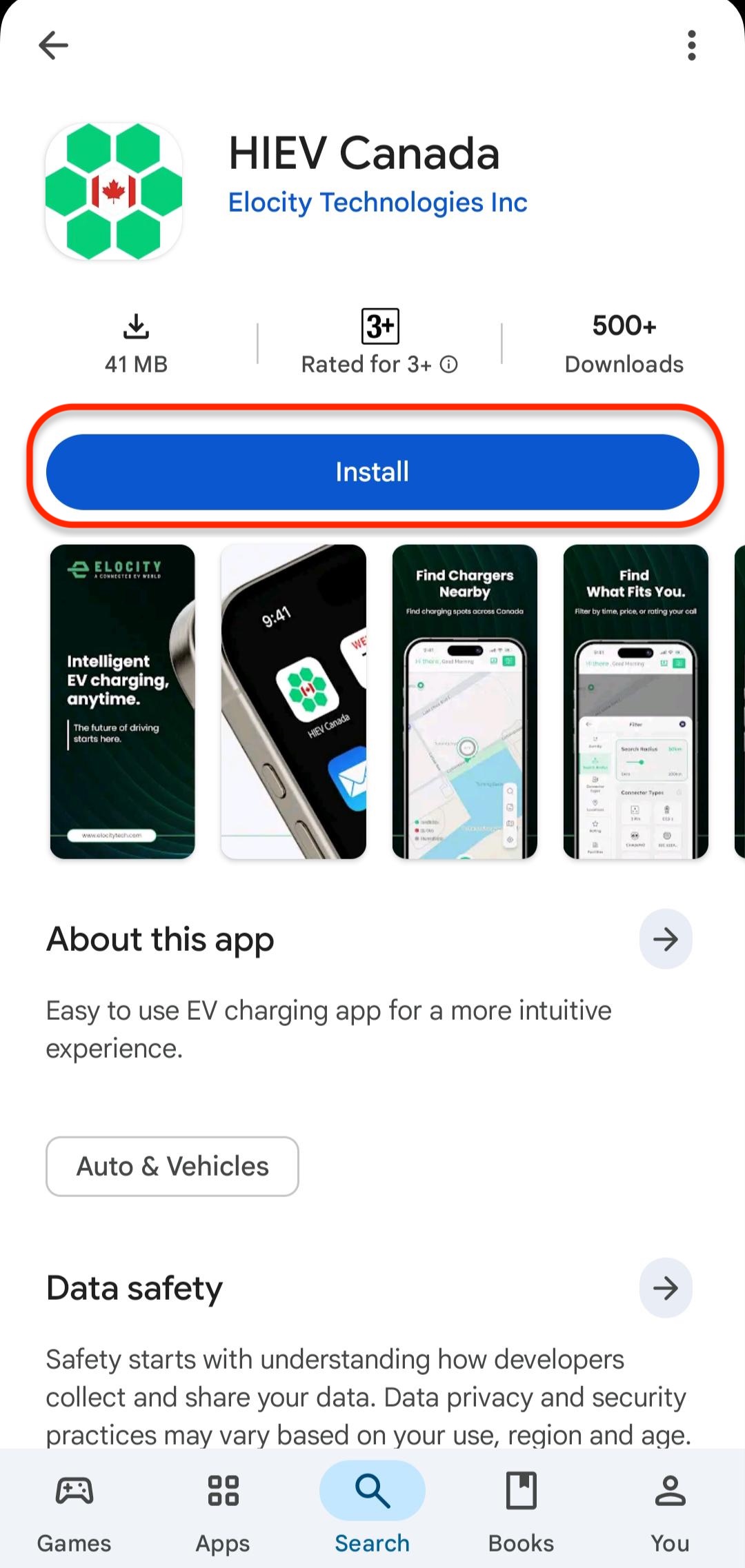
Select the HIEV Canada app from the search results and tap Install.
-
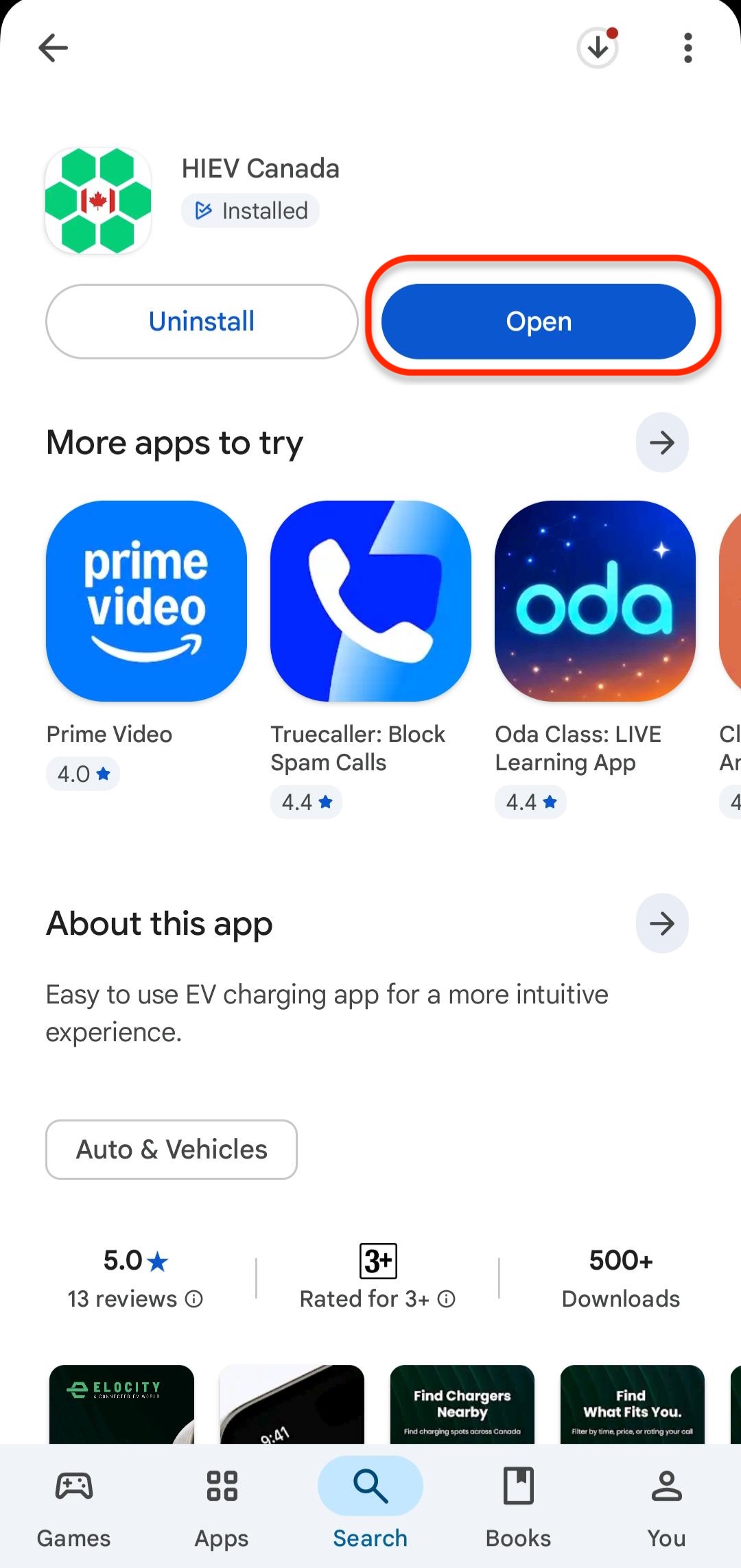
Wait for the installation to complete, then tap Open to launch the app.
-