Viewing Transactions and Invoices
To view your transactions and invoices, follow these steps:
-
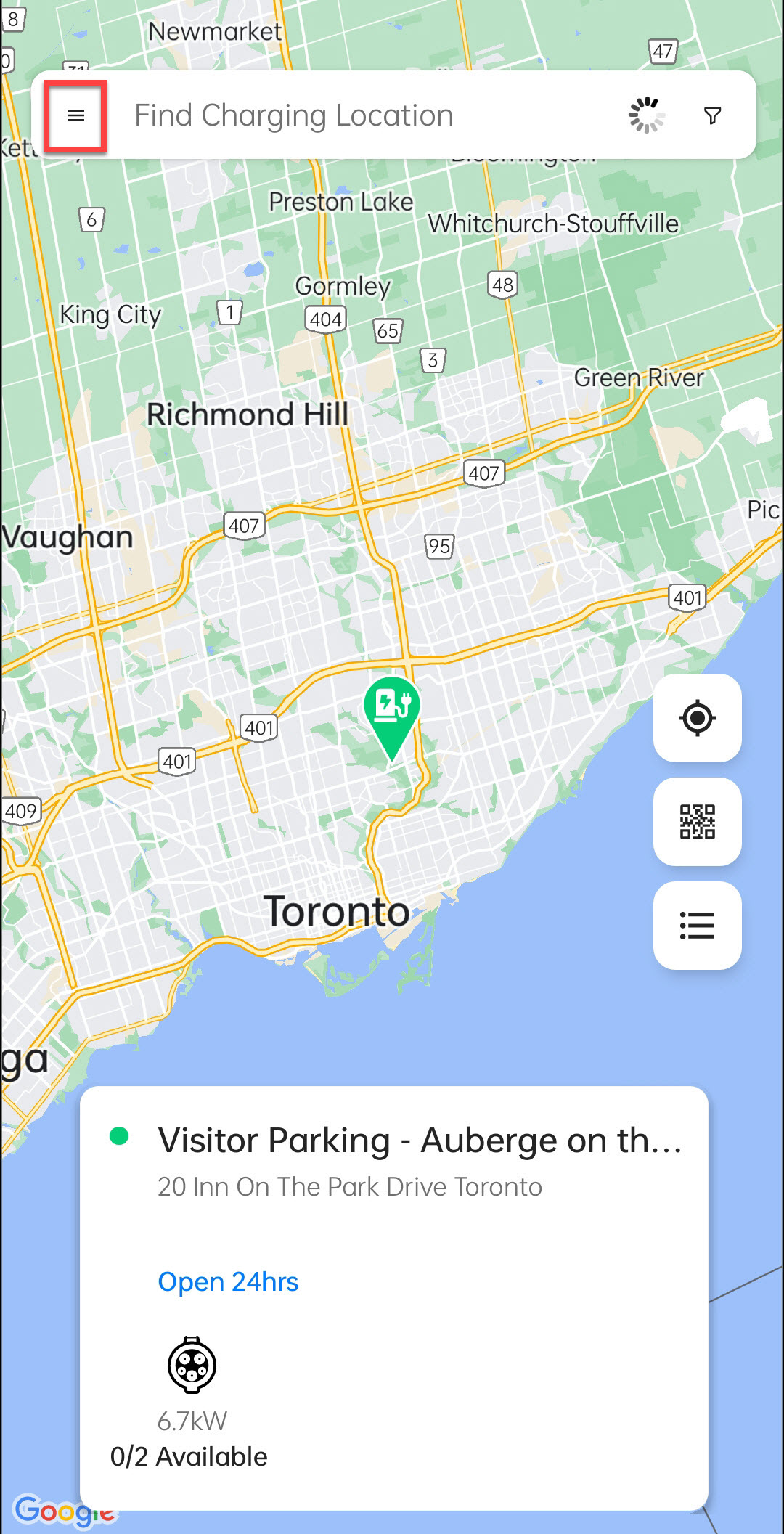
Tap on the Menu button.
-
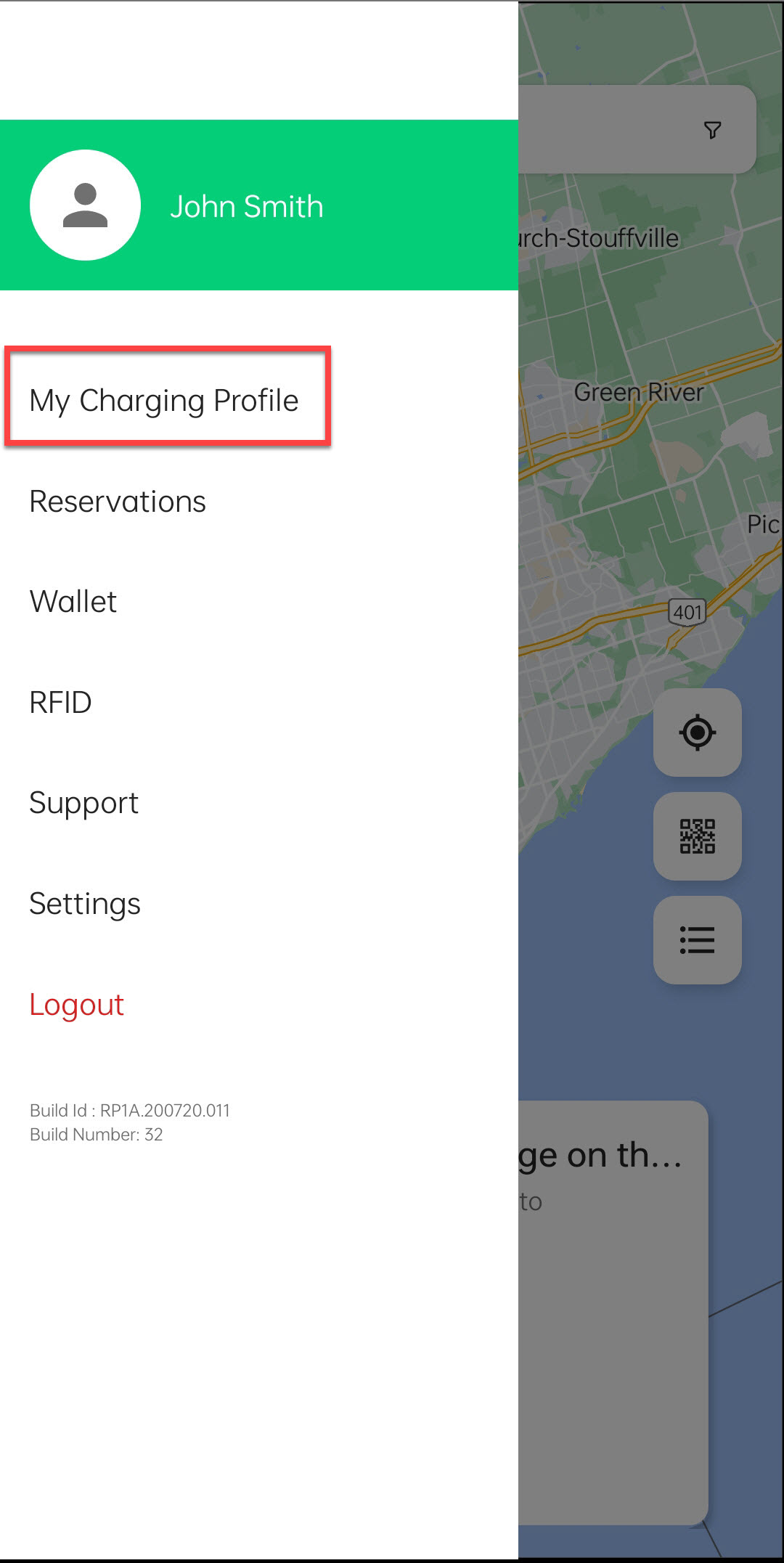
Tap on My Charging Profile.
-
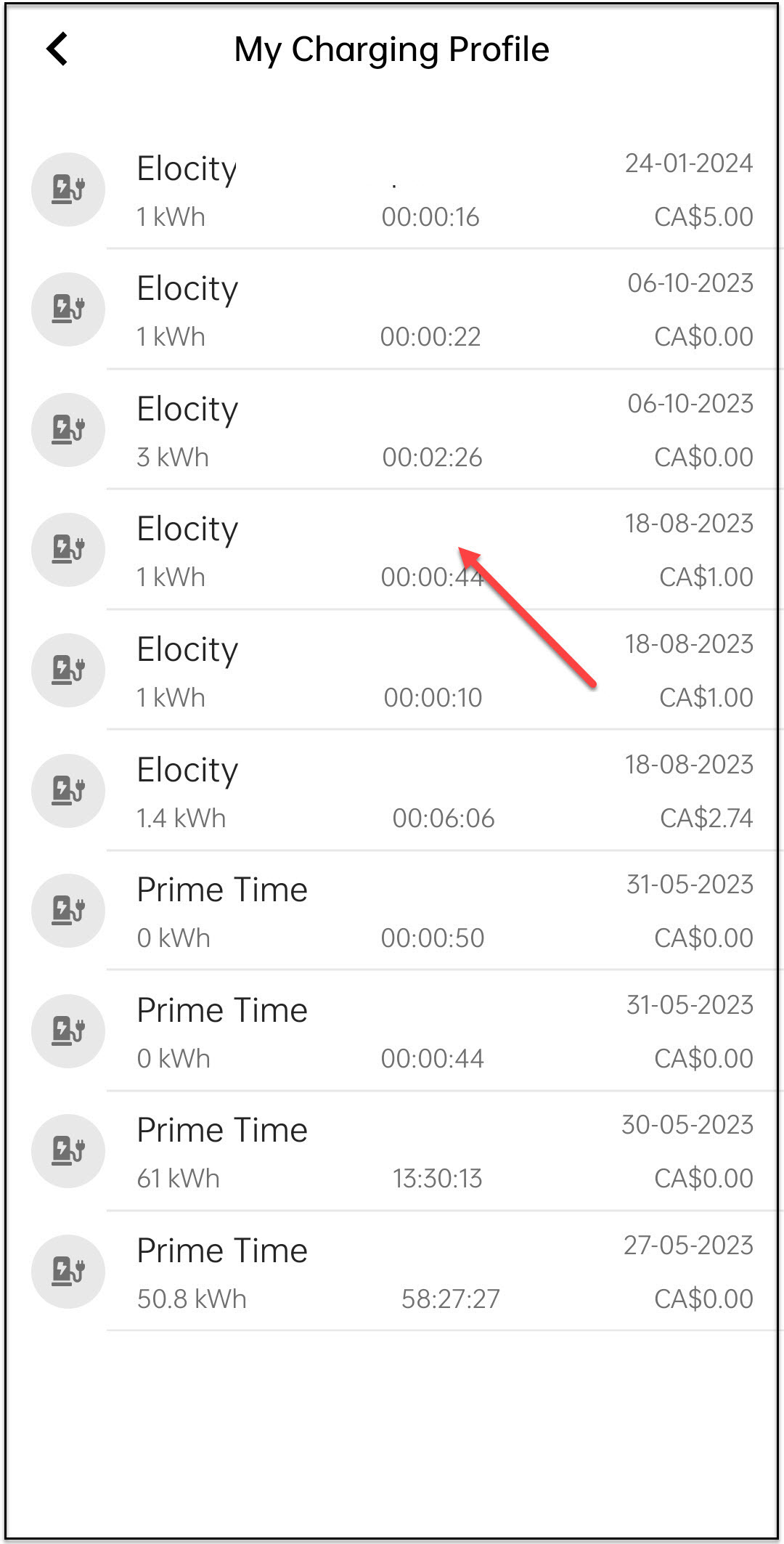
Tap on any transaction.
-
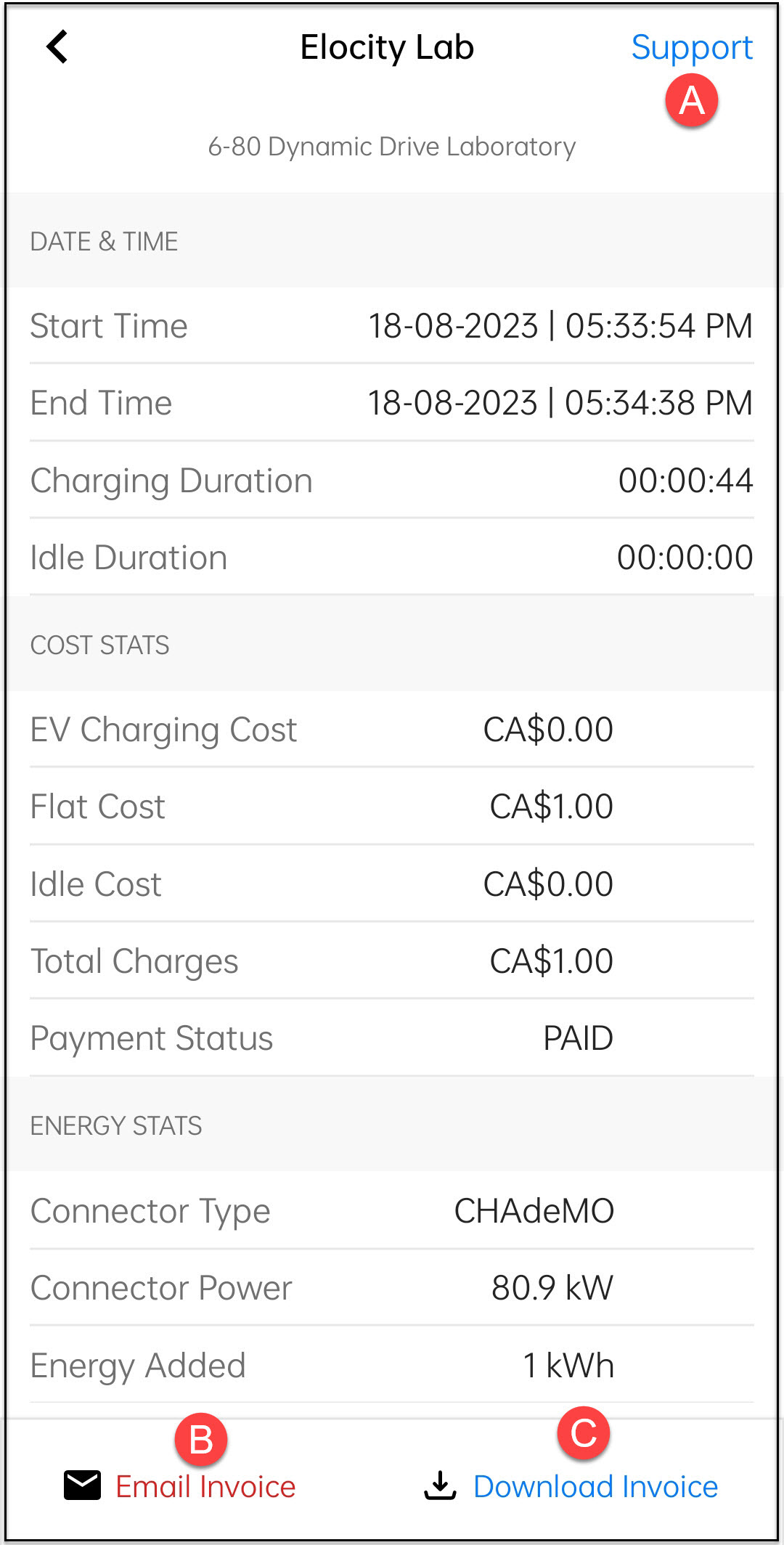
You can perform the following tasks:
- A. Reach out to support
- B. Email invoice
- C. Download invoice