Starting and Stopping Charging Session
-
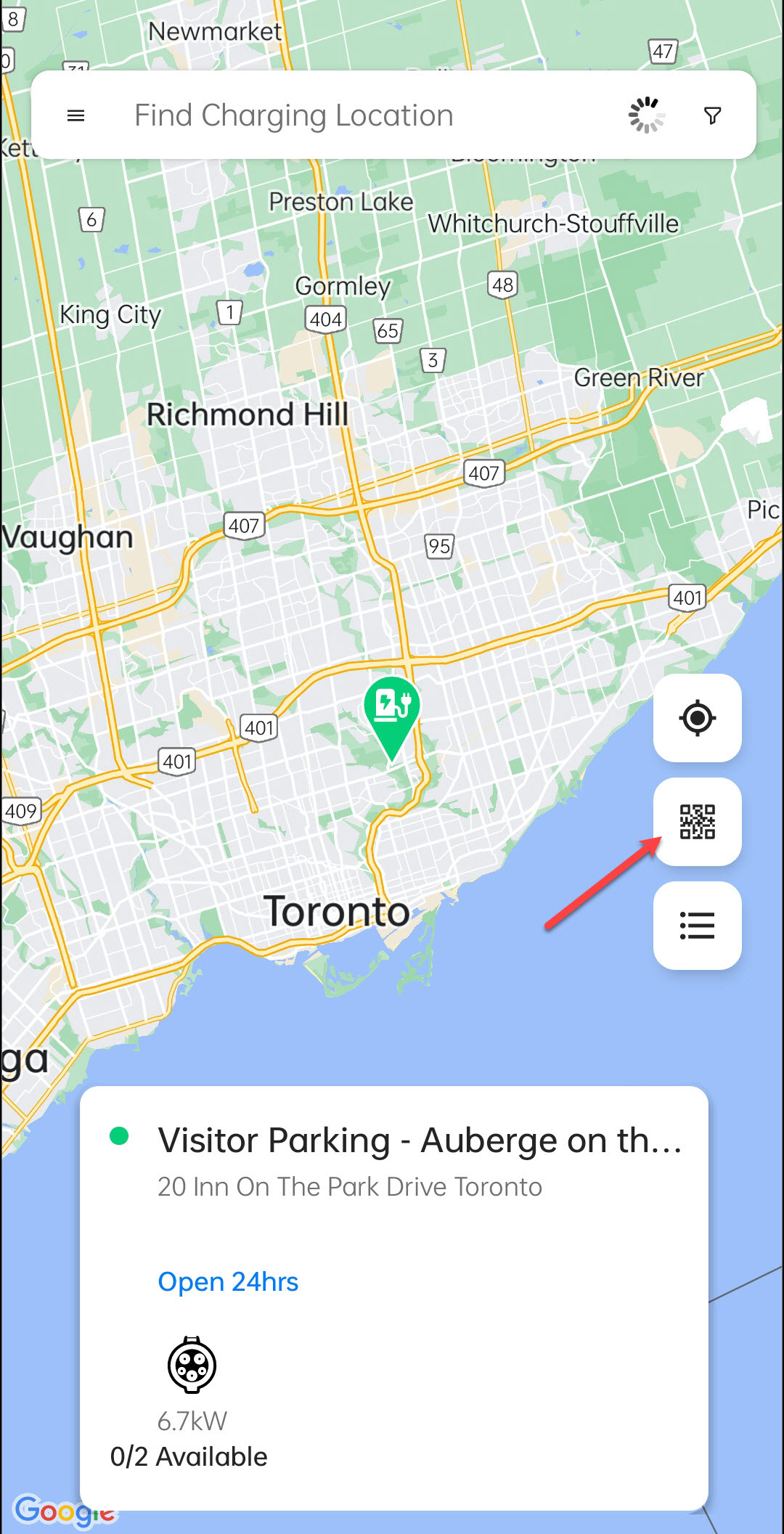
Tap on the QR button.
-
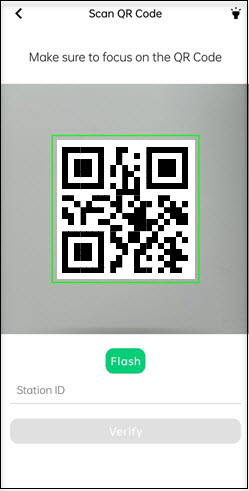
Scan the QR sticker stuck on the charging station.
-
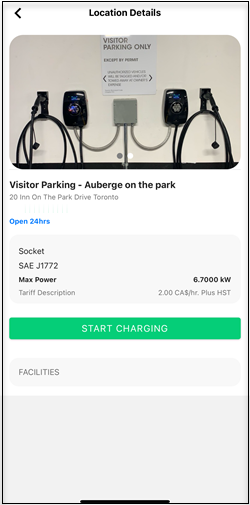
Tap on the START CHARGING button.
-
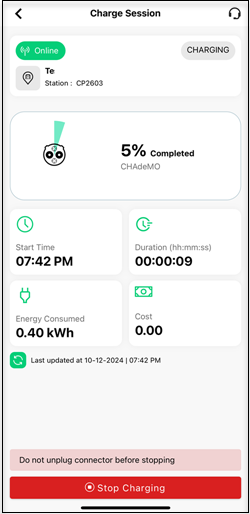
The Charge Session screen displays real-time charging updates. To stop charging, tap on the STOP CHARGING button.
-
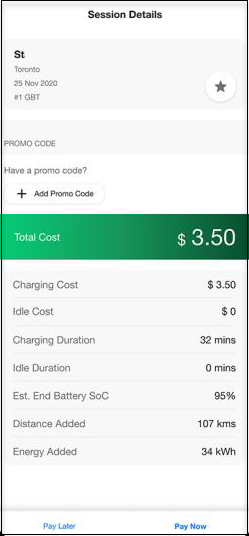
Once your session ends, you will see your charge session and payment details. Tap on the Pay Now button.
-
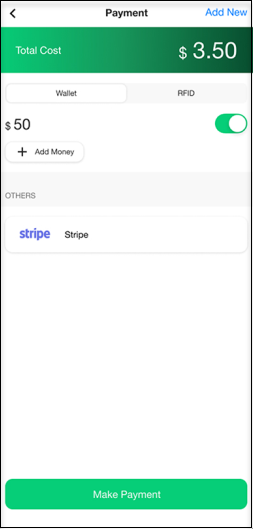
Tap the Make Payment button to pay for your charge session.
-
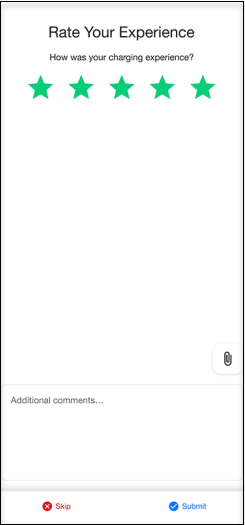
After you have paid for you charge session, rate your experience and provide your comments. Then, tap on the Submit button.