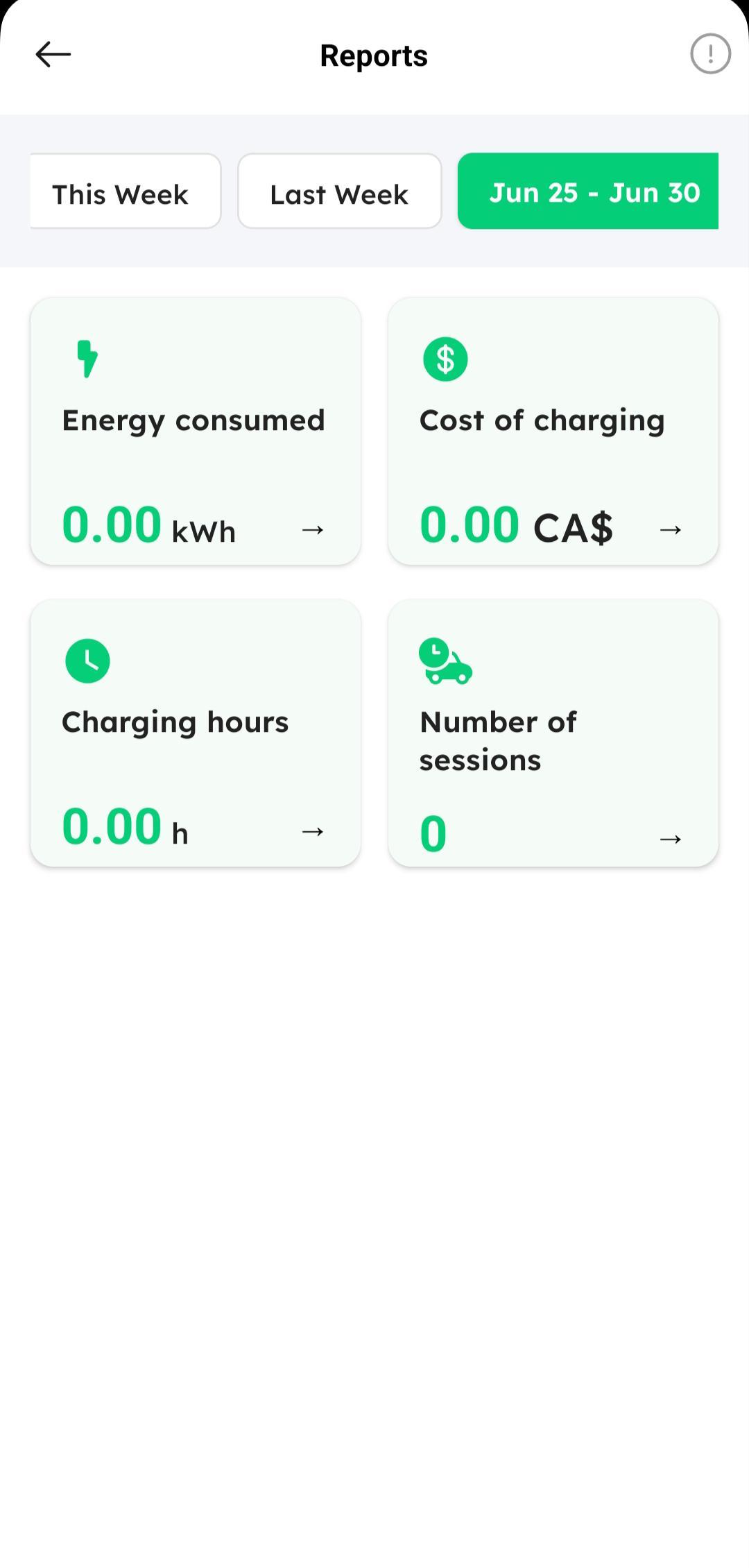
Managing Reports
The HIEV Canada mobile app allows you to view and analyze your charging activity reports over predefined or custom date ranges.
How to Access Reports
-
Sign in to your HIEV Canada account.
-
Access the Reports section in one of two ways:
-
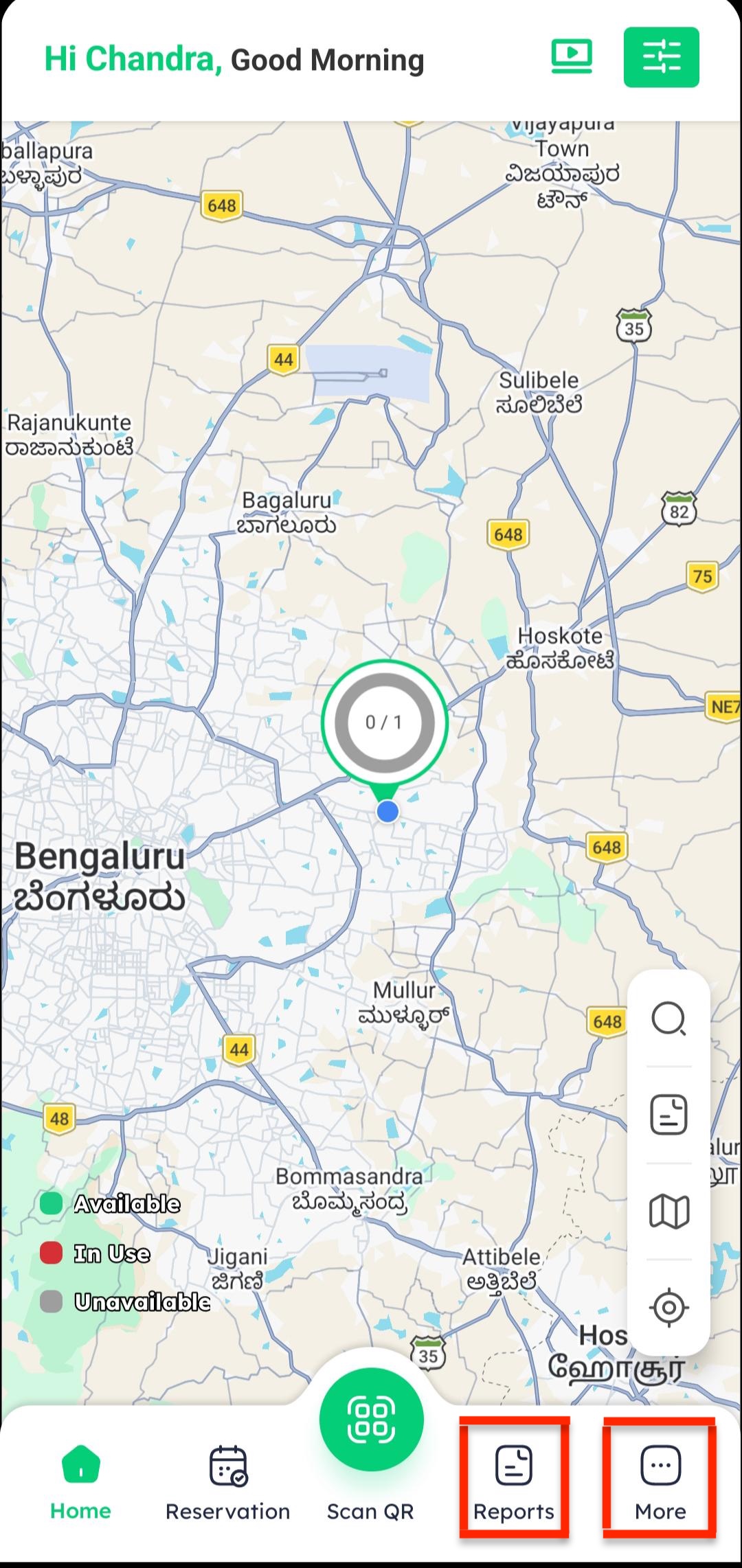
Tap on the Reports button directly on the Home screen.
-
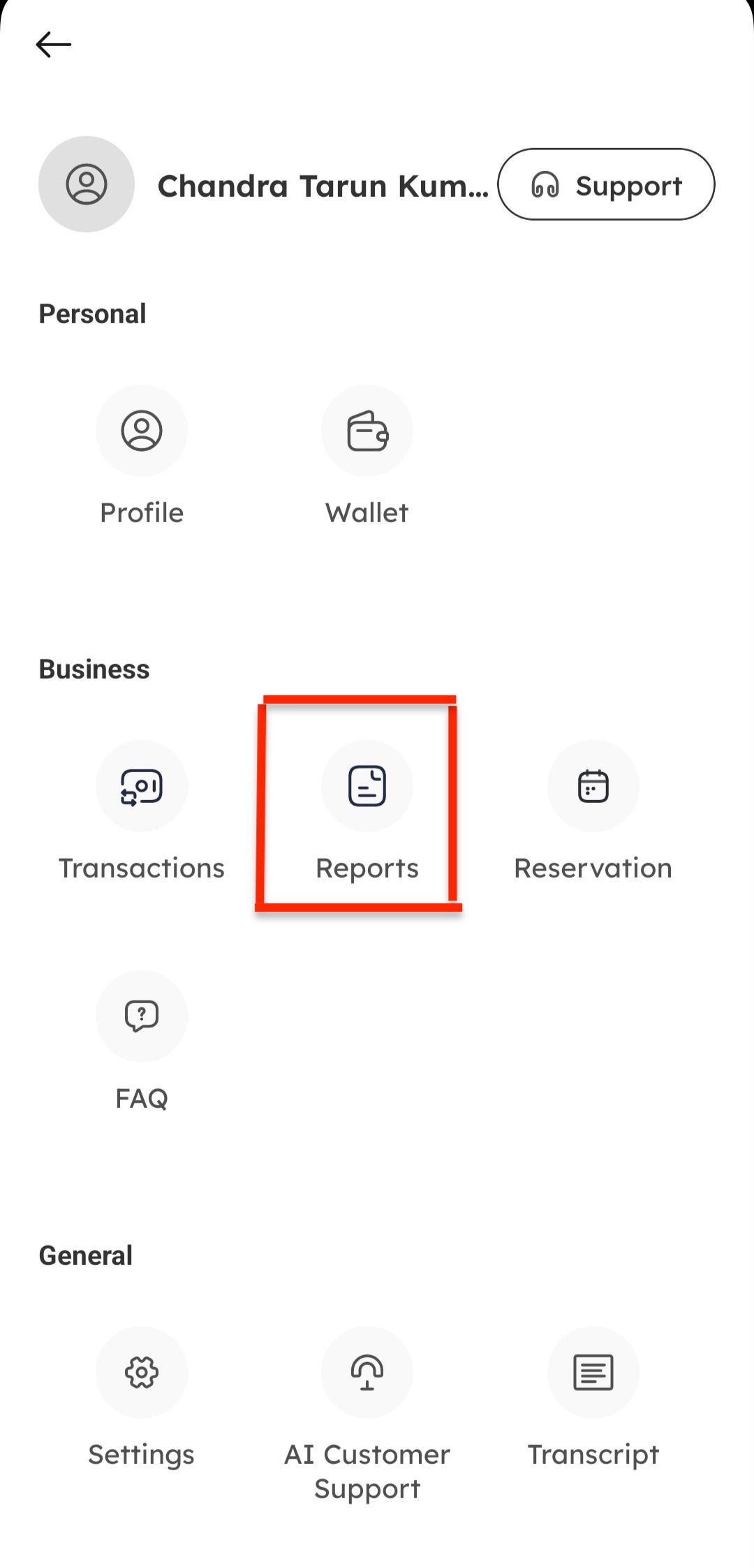
Or tap on More in the bottom menu and select Reports.
-
-
Tap on Reports from the menu options.
Filtering Reports by Date Range
Using Preset Ranges
-
On the Reports screen, tap the date filter option.
-
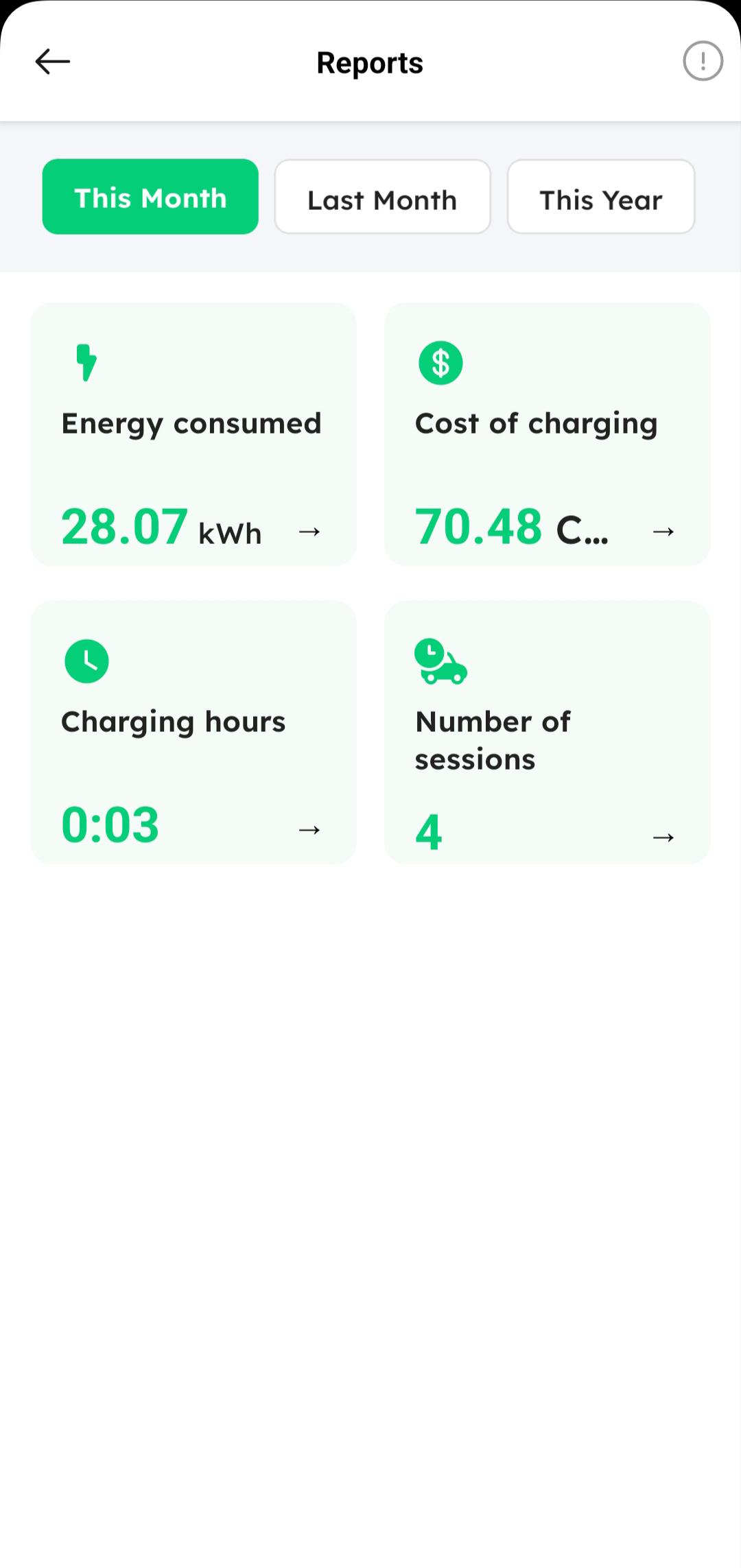
Select a preset date range based on your preference, such as This Month, Last Month, Last Year, or Last Week etc.
Using a Custom Date Range
-
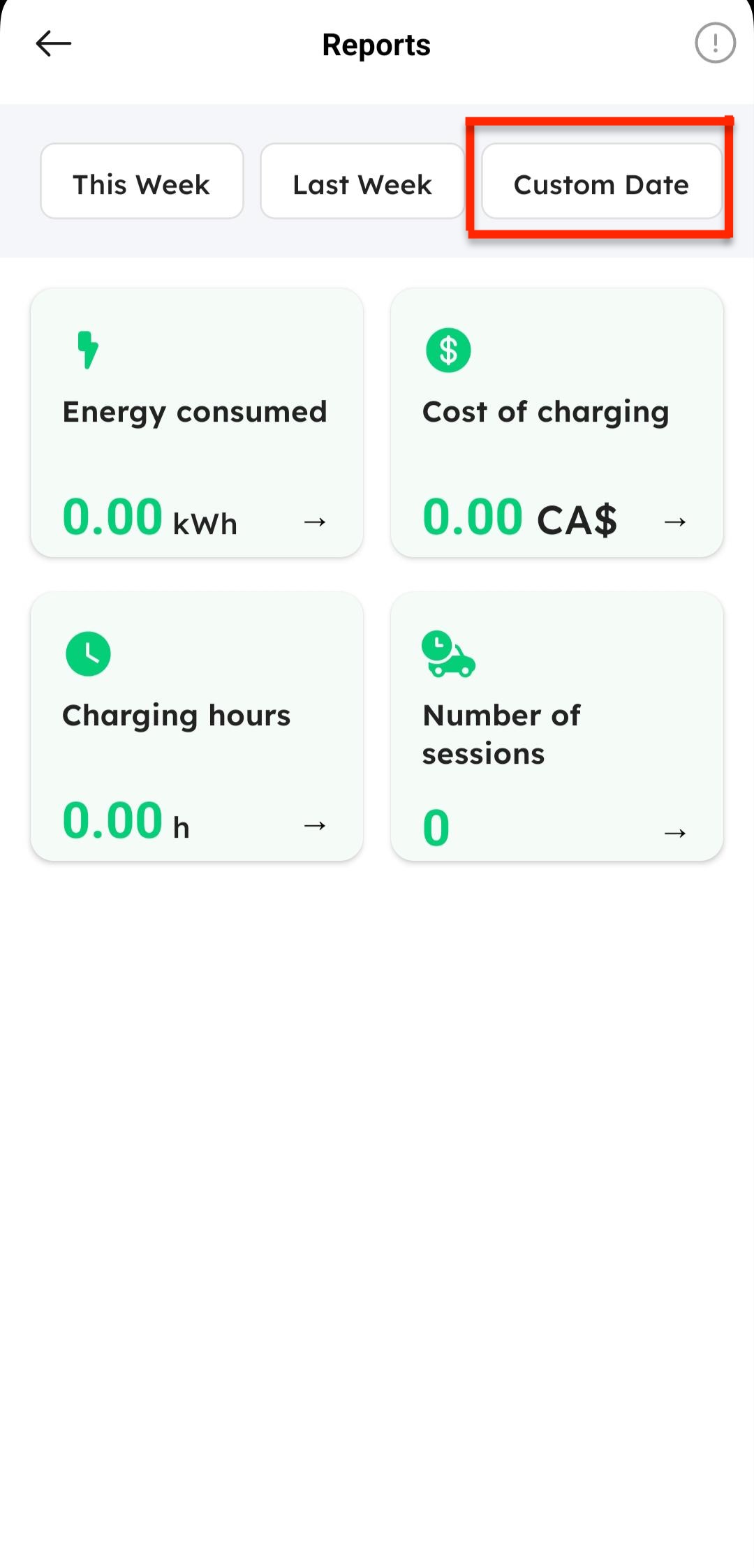
Tap on Custom Date from the filter options.
-
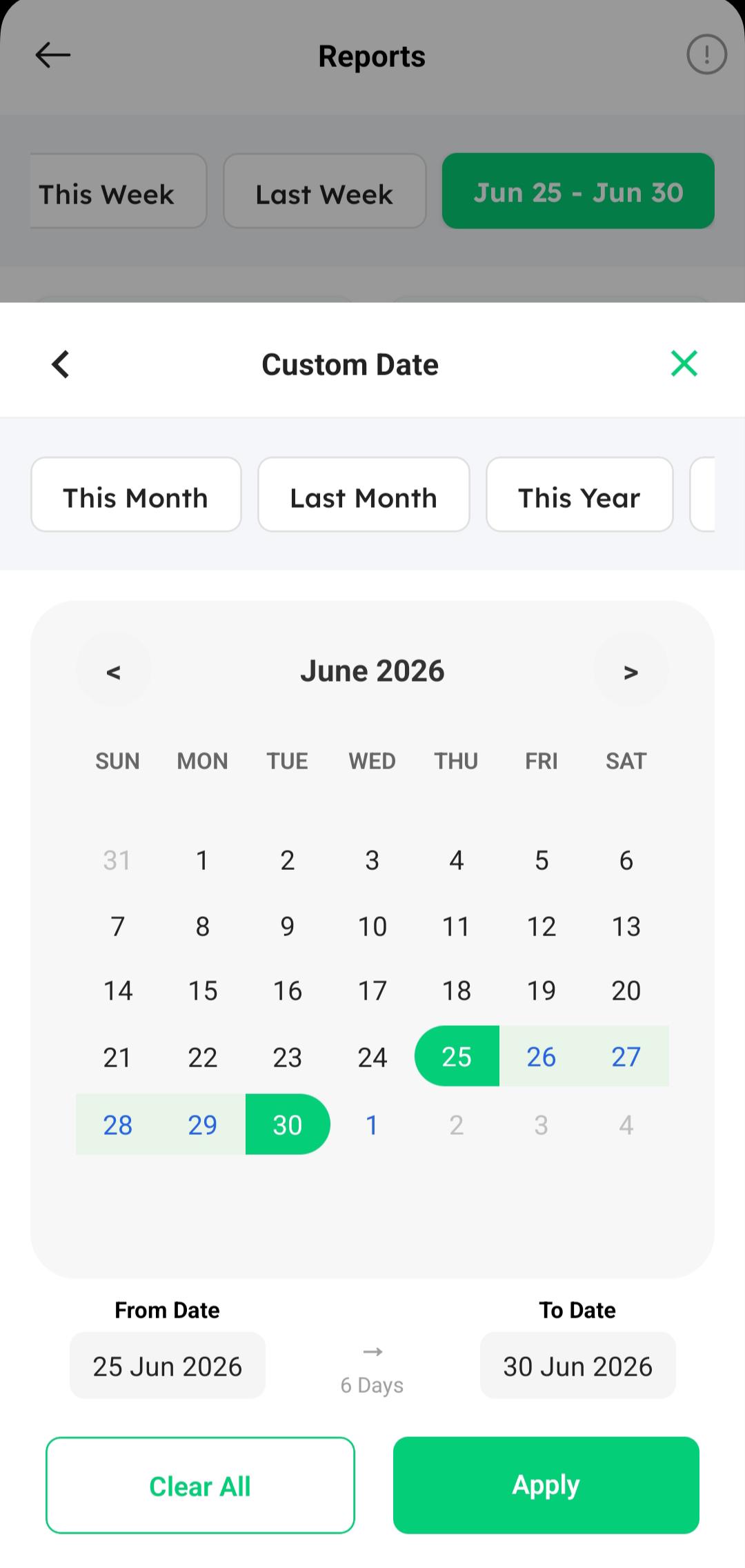
Select your desired start date and end date from the date picker.
-
Tap Apply to generate the reports for your selected timeframe.