Creating Account
If you are a first time user, follow these steps to create an account:
-
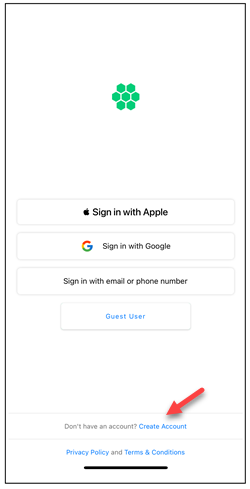
Tap on Create Account.
-
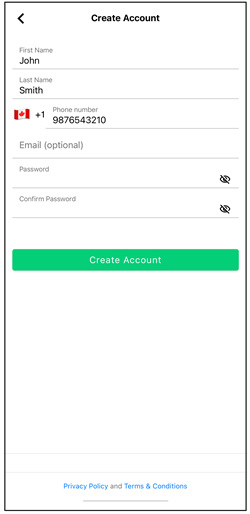
Enter the details on the Create Account screen.
-
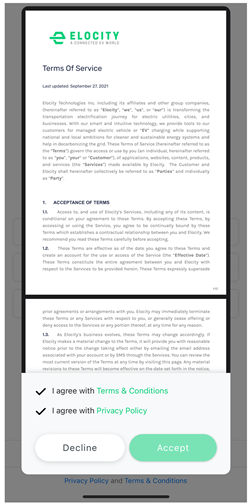
Tap on the Create Account button. You will be redirected to another screen where you can read and accept the Terms & Condition and Privacy Policy to complete the account creation process.
note
A verification code is sent to your registered mobile phone number, which you must enter on the subsequent screen to complete the registration process. Upon successful registration, a confirmation message is displayed.