Reserving a Charging Station
To reserve a charging station, follow these steps:
-
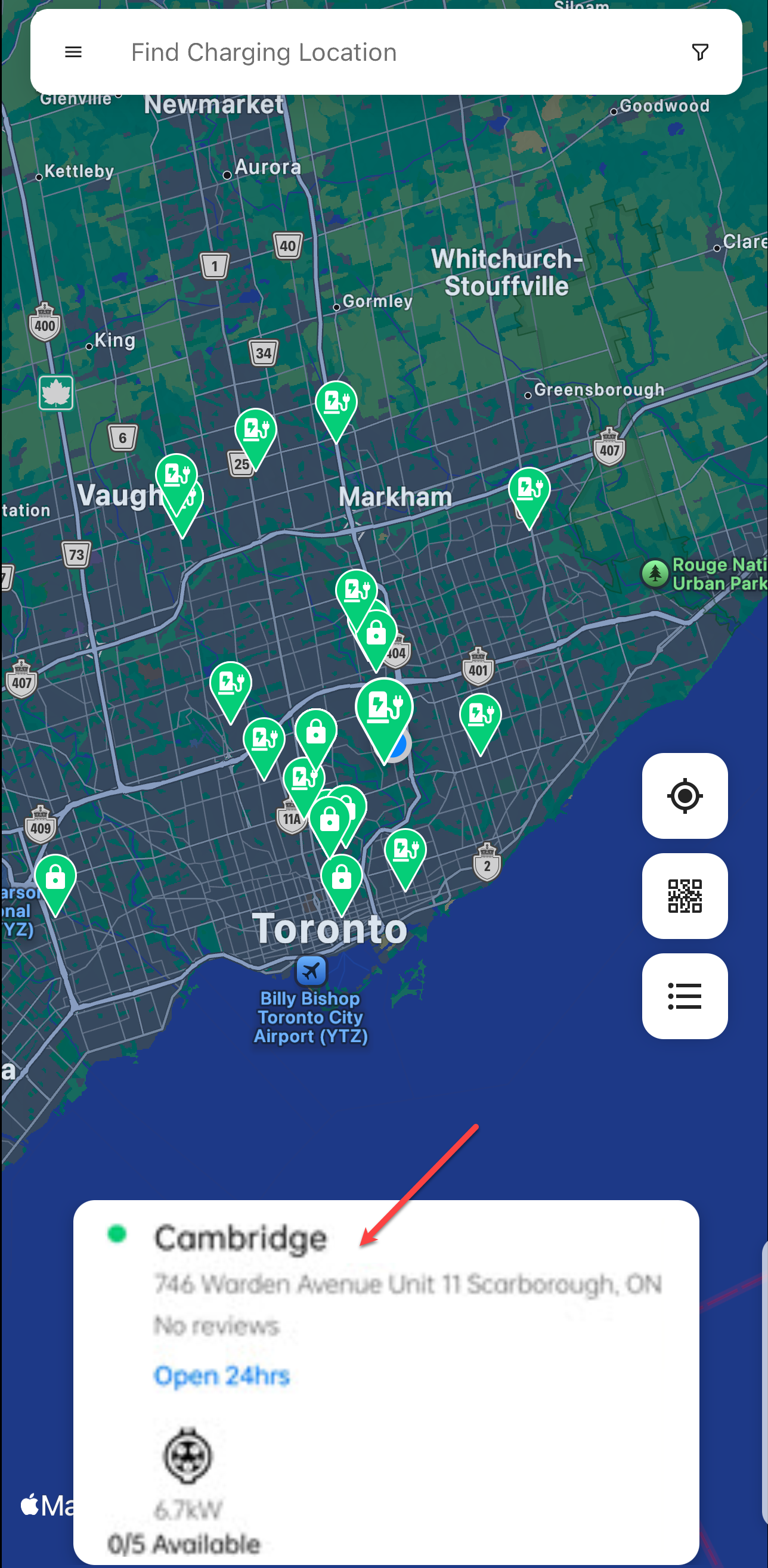
Search and tap on the location card.
-
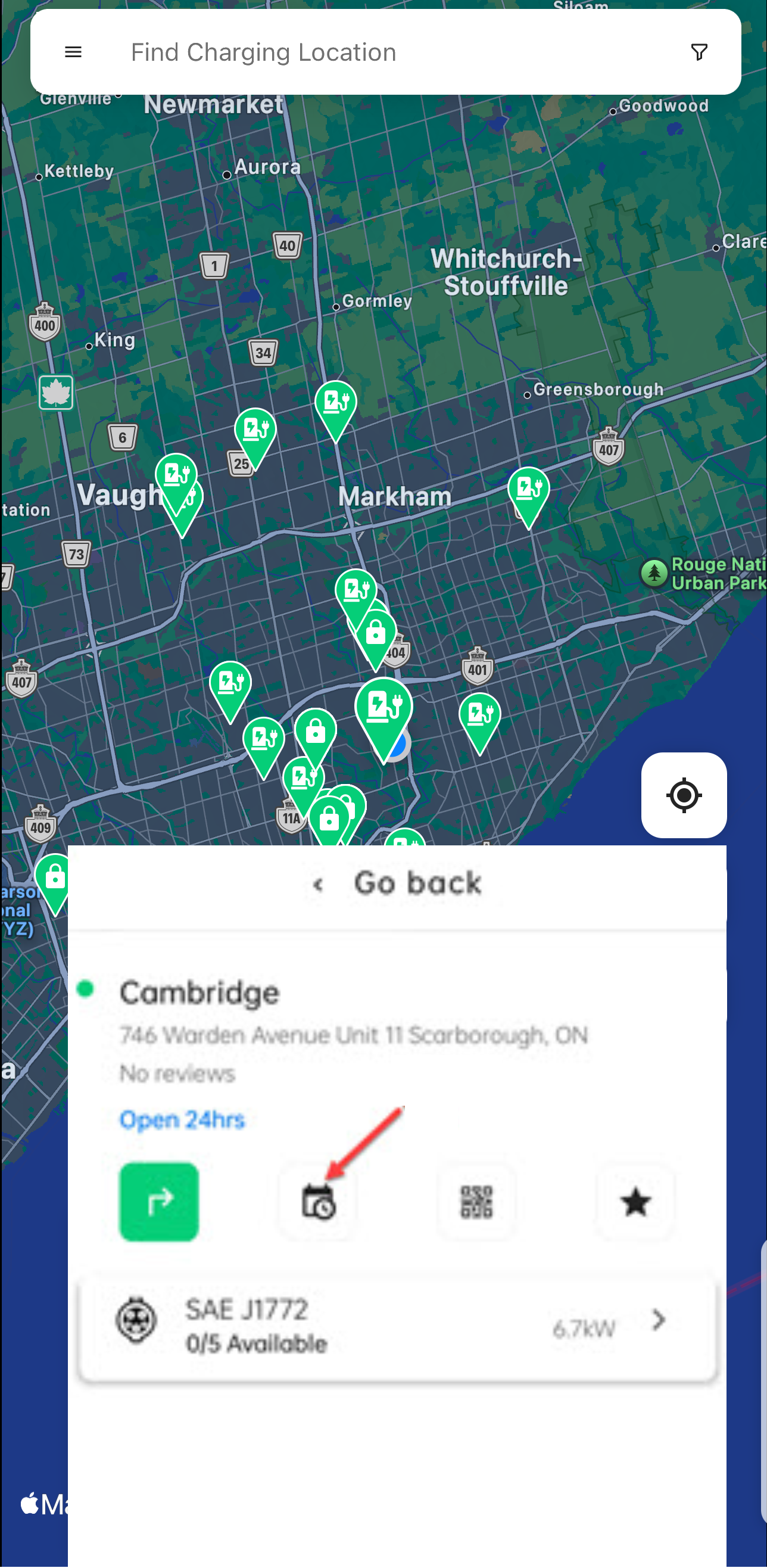
Tap on the reservations icon.
-
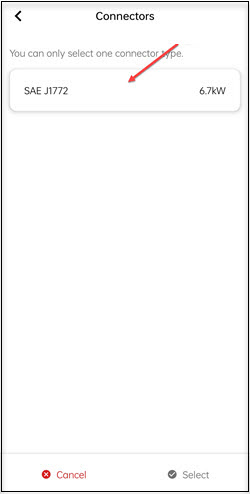
Tap on the connector button.
-
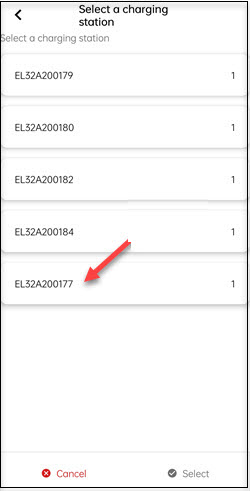
Select a charging station.
-
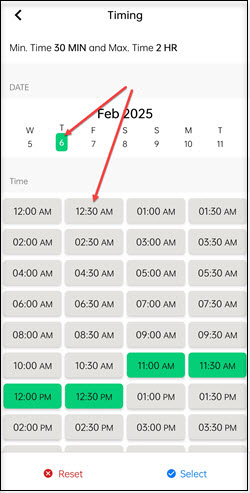
Select the date and time duration.
-
Review your details and tap on the Confirm button.
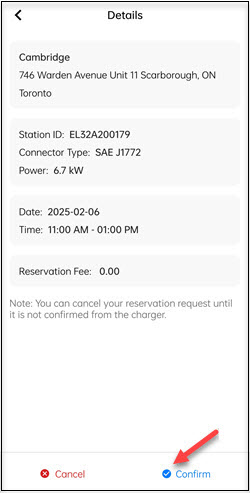
The reservation details will appears under the Upcoming Reservations screen.