Viewing Reservations
To view your upcoming and past reservations, follow these steps:
-
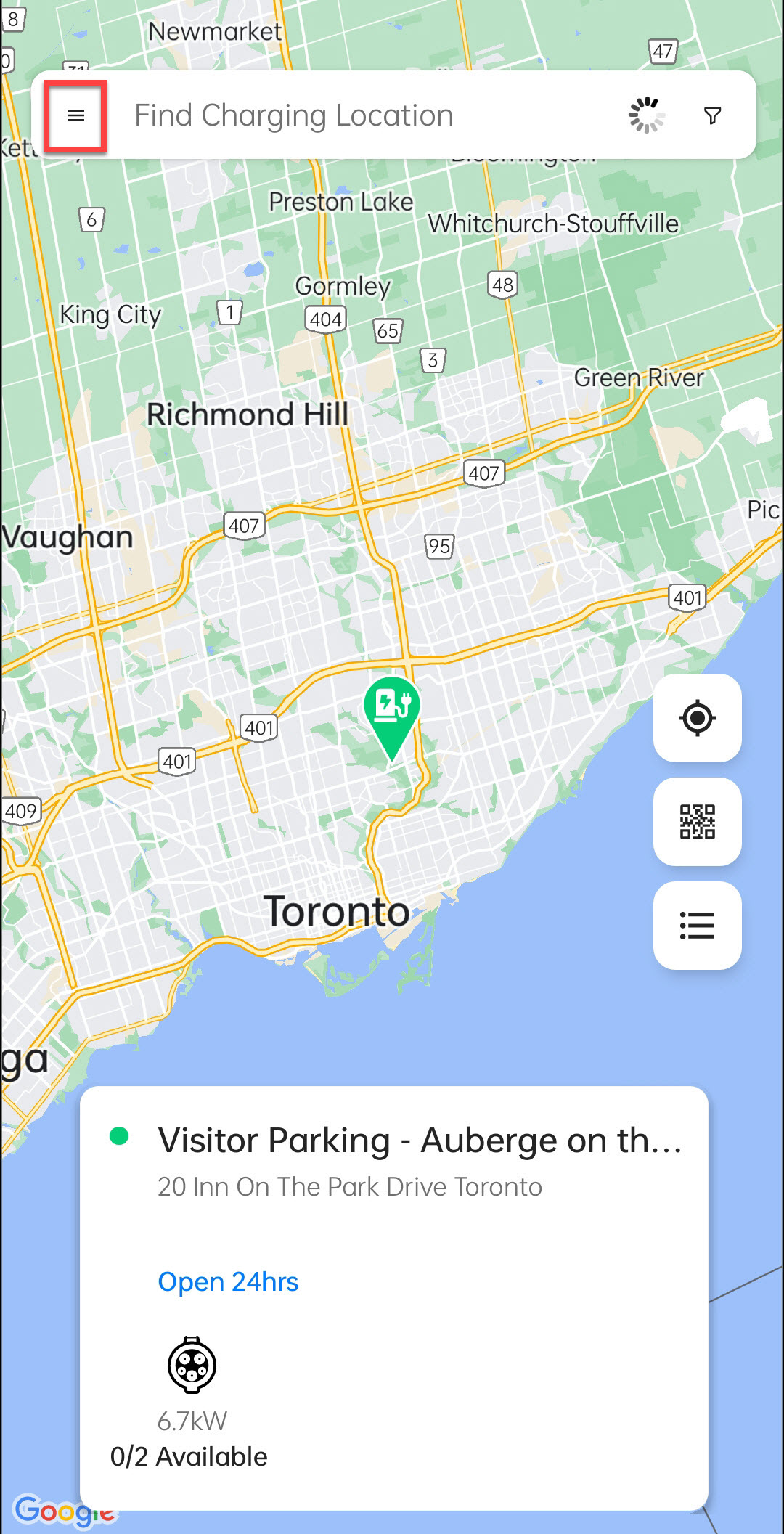
Tap on the Menu button.
-
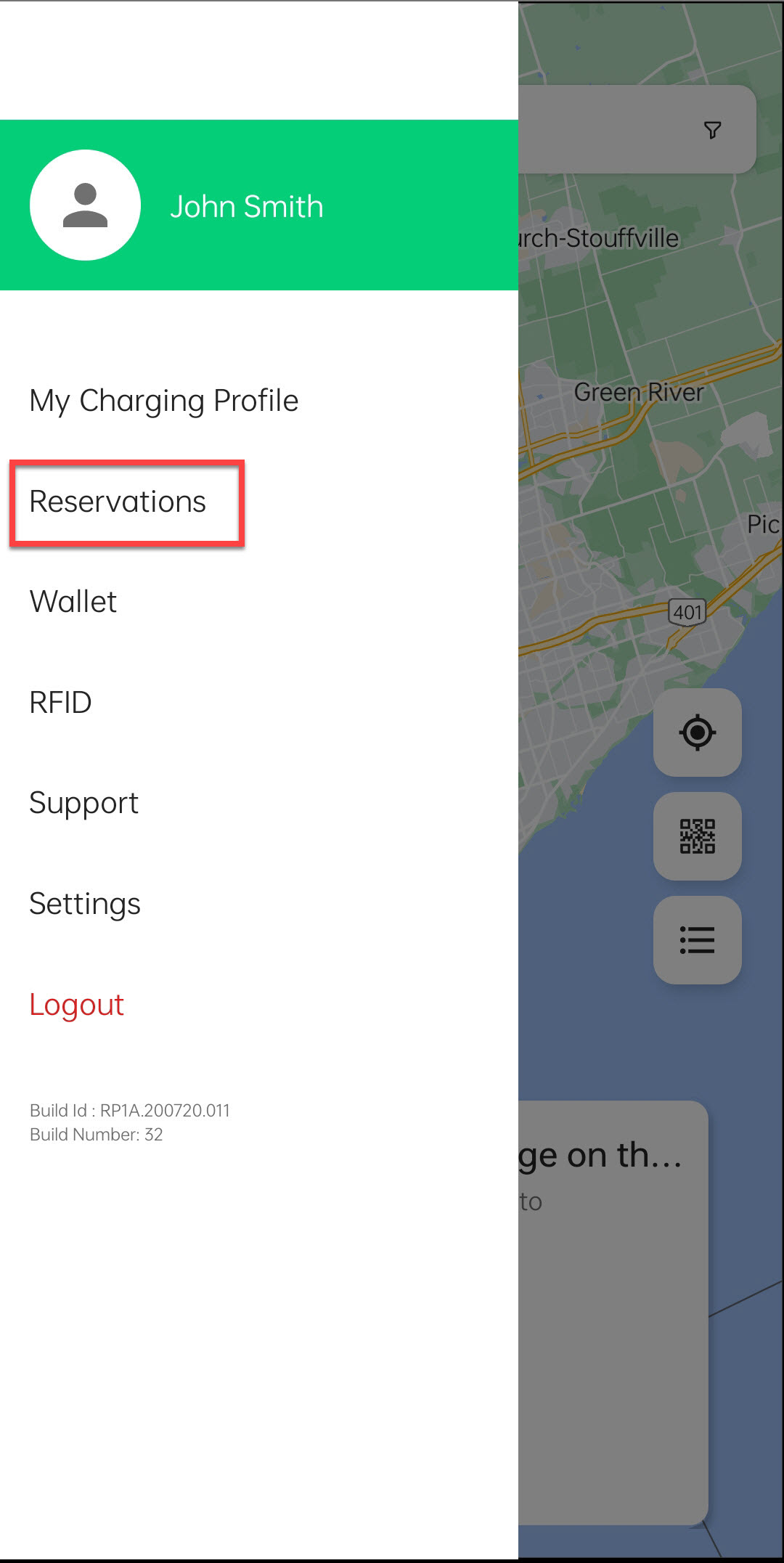
Tap on Reservations.
-
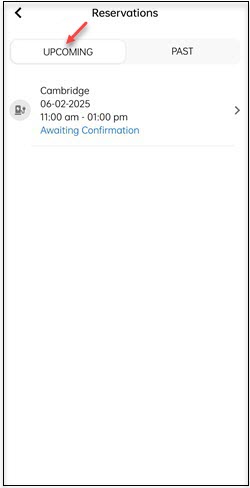
Tap on the UPCOMING button to view the upcoming reservations.
-
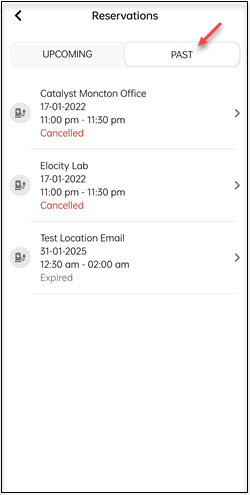
Tap on the PAST button to view your historical reservations.